

How to Draw a Gameboy
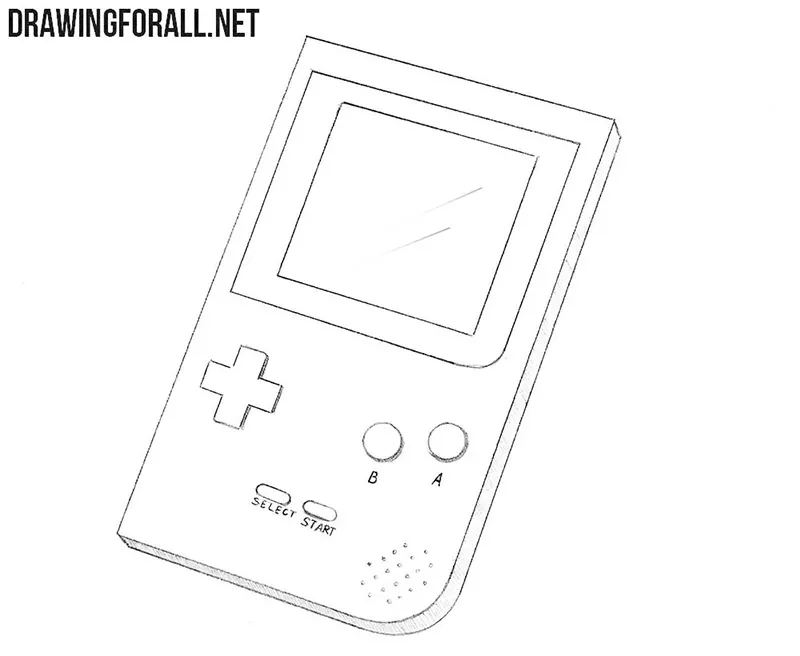
The Game Boy is one of the most legendary handheld game consoles in the world. In this tutorial, we will show you how to draw a Game Boy Color and recreate the look of the console on paper.
How to draw a Game Boy Color step by step
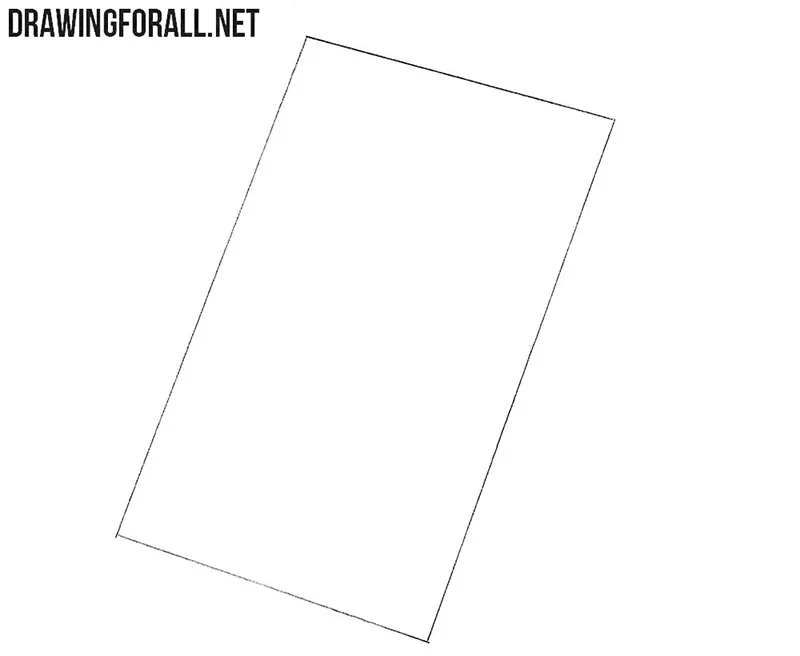
Step 1: Sketch the Game Boy body
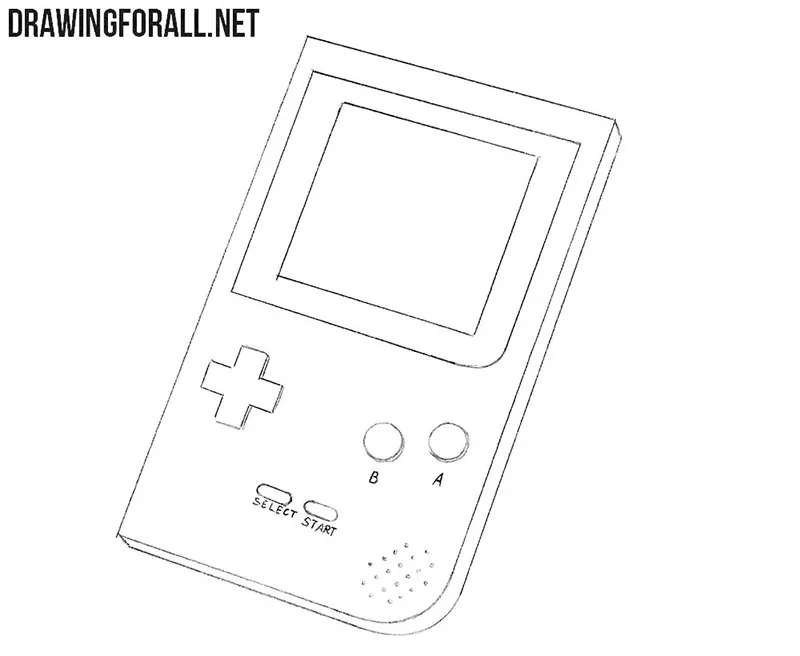
Sketch a parallelogram to create the main shape of the Game Boy Color at a slight angle. If you want to draw the console in a straight frontal position, use a regular rectangle instead.
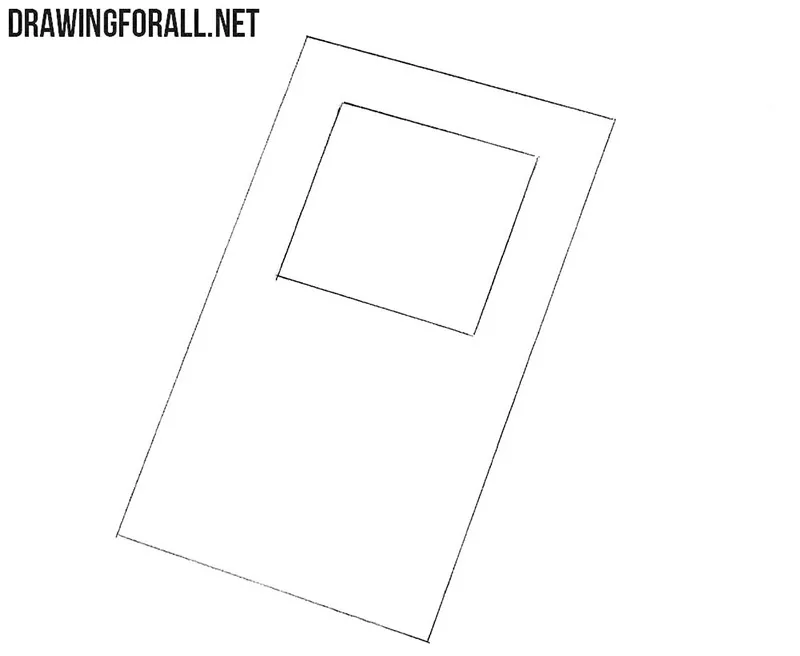
Step 2: Add the Game Boy screen
Draw a smaller rhombus inside the upper part of the console body to create the screen. Its sides should follow the same general direction as the outer shape. If you are drawing the Game Boy Color from the front, draw a rectangle here instead.
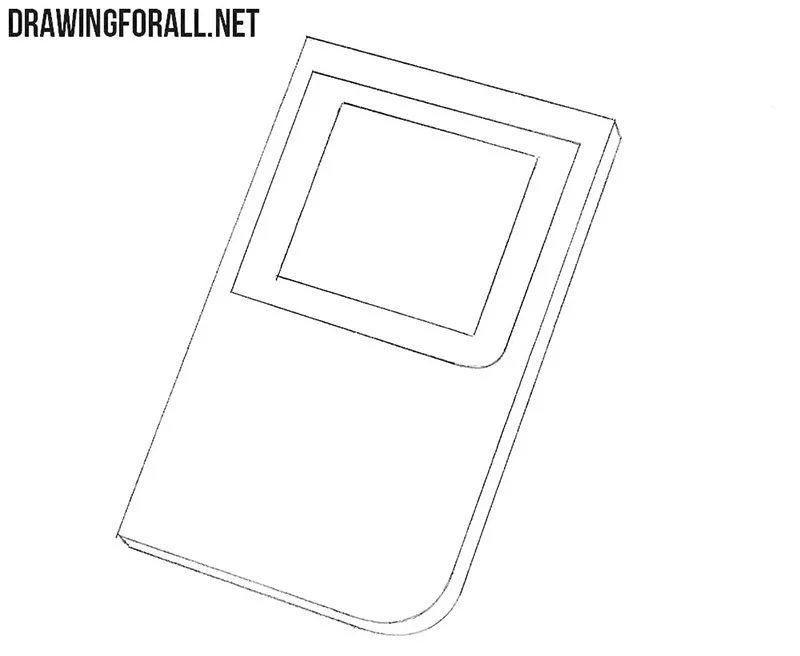
Step 3: Refine the console body and screen
Draw the visible side of the console body to give it thickness. Replace the lower right corner with a smooth, rounded line. Then draw a larger rhombus around the screen from the previous step and round one of its corners. The lower right corners of the screen and body should become rounded.
Step 4: Draw the Game Boy controls
Draw two round buttons on the right side of the Game Boy Color and the cross-shaped directional pad on the left. Add two small start and select buttons near the lower center of the body. Finally, draw several small round openings for the speaker using simple dots.
Step 5: Add shading and screen reflections
Add light shading to the visible side of the Game Boy Color to convey its thickness. Then draw a pair of diagonal lines across the screen to indicate reflections on the glass.
The Game Boy Color drawing is complete. You can practice the same basic construction with other handheld consoles by changing the body shape, screen, and controls.
For another classic game system, try to draw a NES – another legendary Nintendo system from the 20th century.
If you want to continue with characters connected to Nintendo and classic video games, try to draw Bulbasaur or draw Mario in our separate tutorials.




Oooooooh very nice.Just as it looks like
Oh yes
Oh thank u for teaching me.
Thank you too
it was nice and I drew bmo from adventure Time
I would like to thank the creator because it helped me finish me art project.
Thnk you forw heping my with me art projet
Hi and thanks Timmy!