

How to Draw a Smart Watch
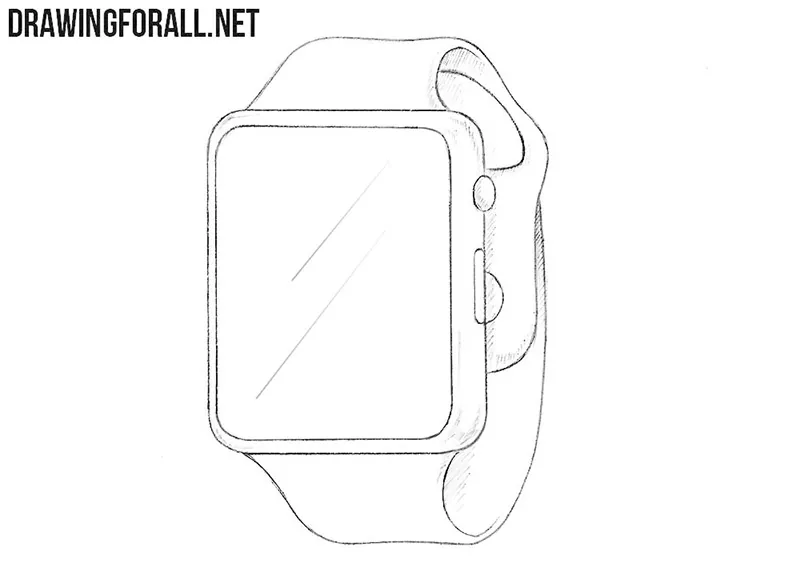
Smart watches come in many different shapes and designs. They can look like rectangular devices with rounded corners or models with circular displays.
In this tutorial, we will show you how to draw a smart watch and explain the basic principles that can be used to depict other models with different shapes and details.
Despite these differences, most of them consist of the same basic parts: a watch case with a display, a band, and controls on the side.
Here we will explain how to create these parts and details in a simple way.
How to draw a smart watch step by step
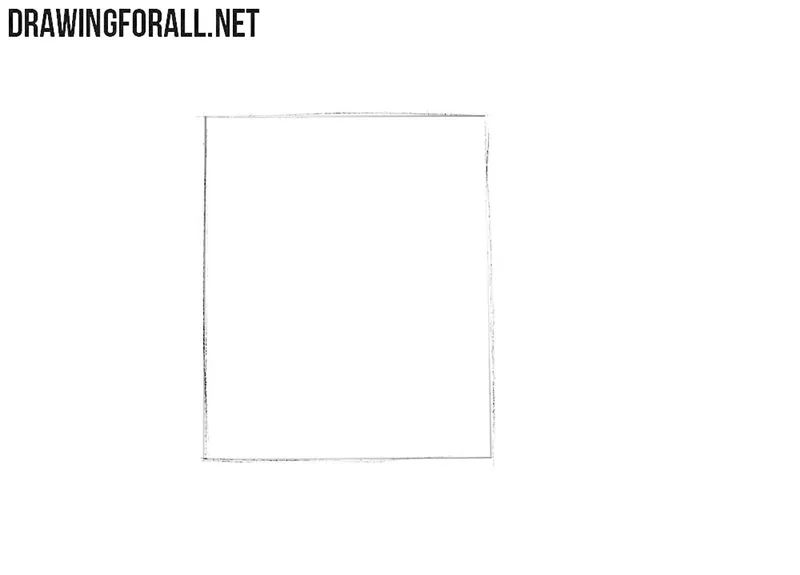
Step 1: Sketch the smart watch case
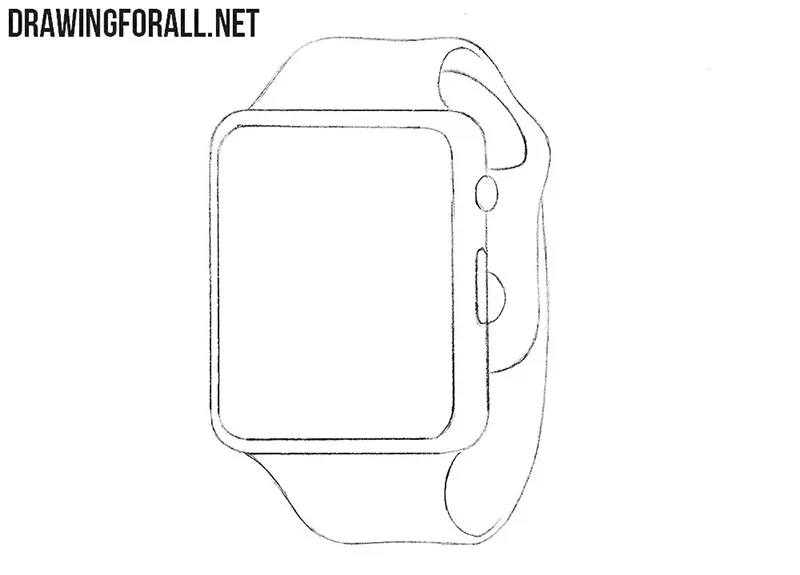
First, draw the main shape of the smart watch case as a simple rectangle. Try to make the opposite sides parallel and approximately equal in length. At this stage, use light lines, since the corners and contours will be refined later.
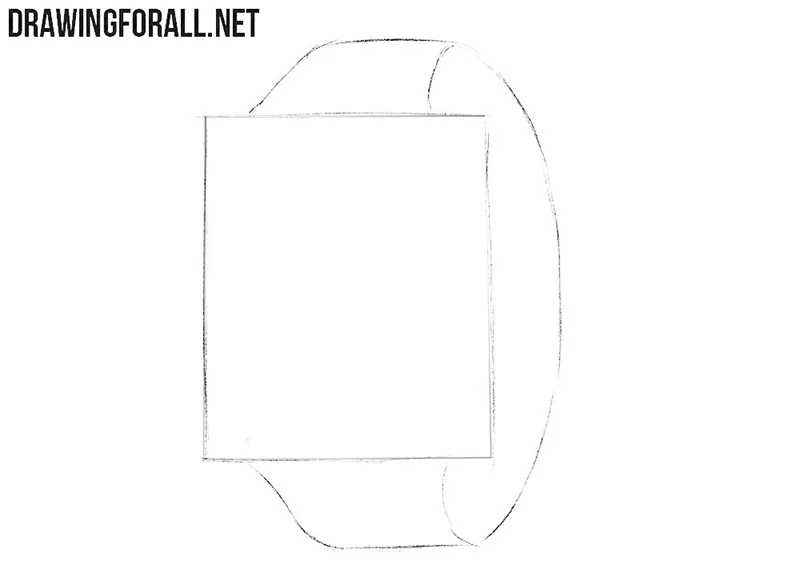
Step 2: Draw the watch band
Now draw the two parts of the watch band extending from the upper and lower edges of the case. Make the band slightly wider near the case and gradually narrower toward the back. At this pints, the strap should look like a single smooth shape.
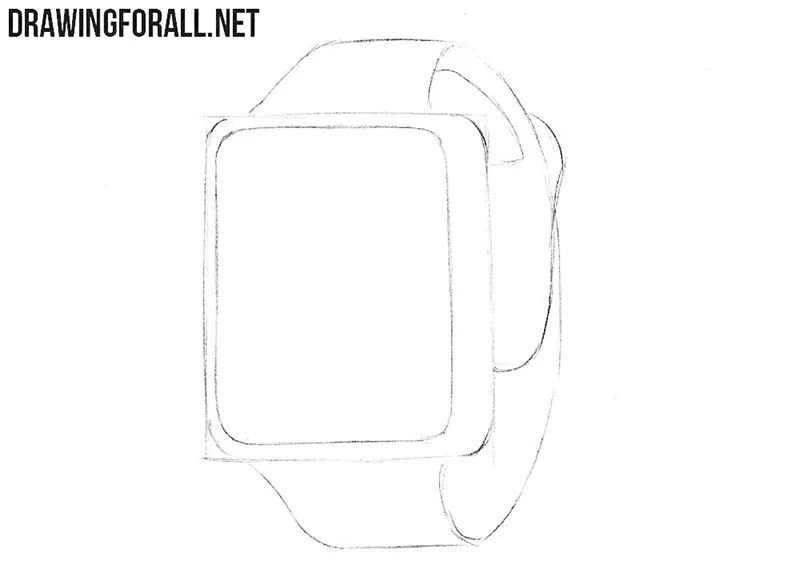
Step 3: Refine the watch case and clasp
Round the corners of the smart watch case as we did in our iPhone drawing tutorial. Then refine and trace the contours of the band with smoother lines. Behind the case, draw the clasp as a small form following the curve of the strap.
Step 4: Add the smart watch buttons
First, erase the unnecessary construction lines from the sketch. On the side of the case, draw two small buttons as shown in our example. Check the shape of the case and band once again and correct any inaccurate lines before adding the shadows.
Step 5: Add shadows to the smart watch
Shadows will make the smart watch drawing appear more three-dimensional. To draw them, shade the inner part of the band and the side surface of the case with simple hatching. Draw simple highlights using a couple of long strokes on the surface of the screen.
Smart watches can look very different, but most of them are built from the same simple forms. Once you understand how to construct its parts, you can change their shape and draw almost any model you like.
For example, you can make the display round, square, or more elongated, change the thickness of the case, and draw a completely different type of strap.
If you want to continue with a closely related subject, try to draw a regular watch. Its overall form is similar, but the dial and other details are quite different from those of a smart watch.
You can also draw an Apple Watch to create a similar device with different characteristic details on paper.


cool
🙂
Very Good Smartwatch 👍👌
Help
Awesome, but could you add a bit more detail
Good but it needs to be better