

How to Draw Apple AirPods
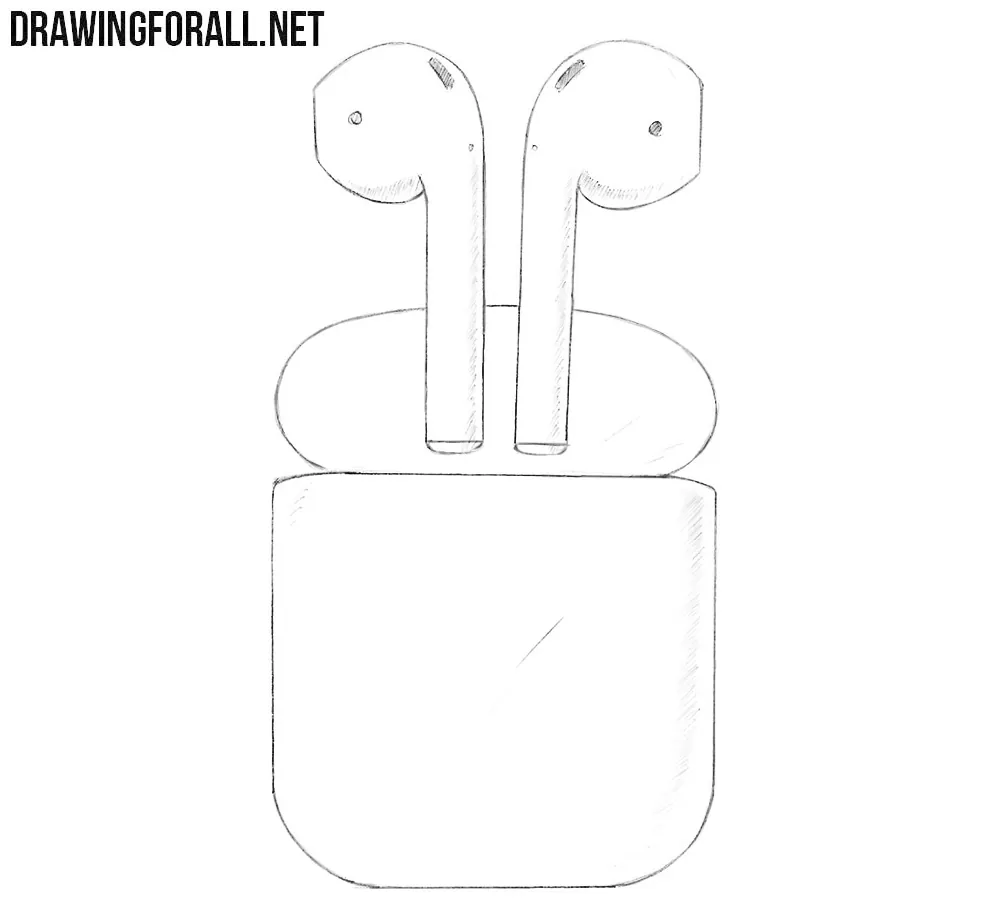
Wireless technology has become an integral part of modern electronics, and AirPods are perhaps one of the most striking examples. In this tutorial, we’ll show you how to draw Apple AirPods step-by-step.
In our example, we will show you how to draw these Apple earbuds floating above the charging case. You can also draw them without the case or draw the case separately.
How to draw AirPods step by step
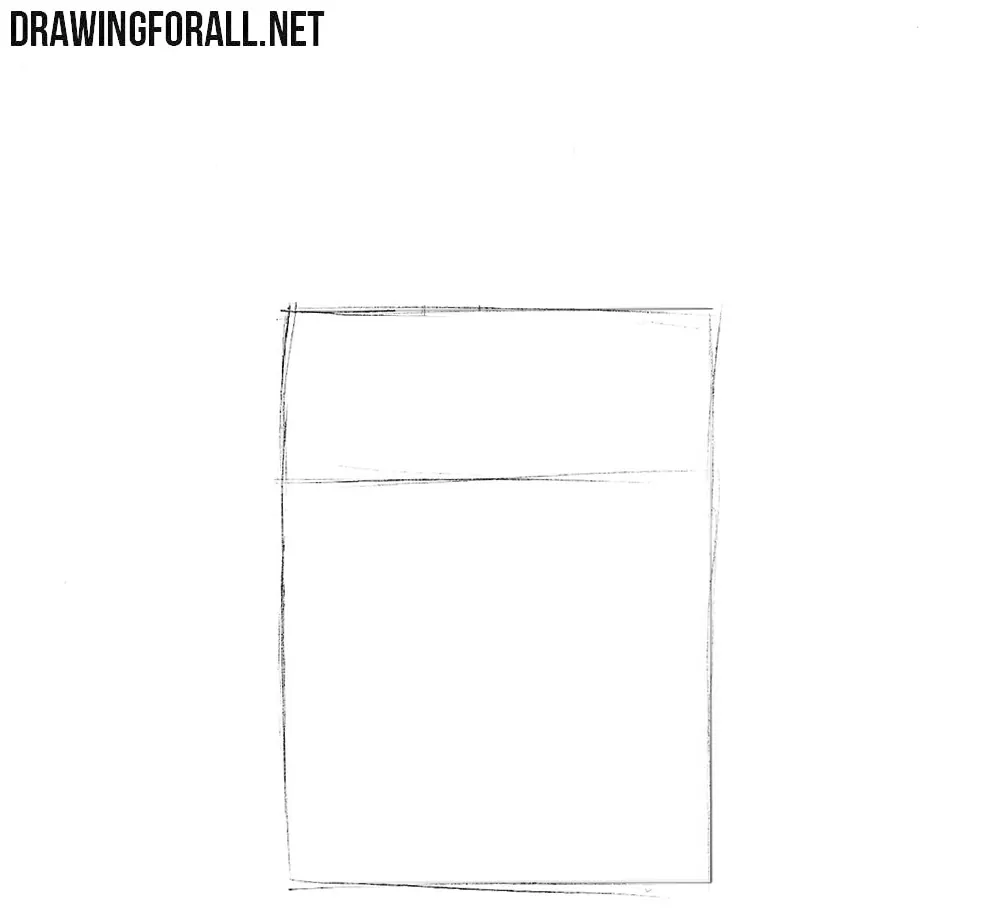
Step 1: Sketch the charging case
First, draw a simple quadrilateral for the AirPods charging case. After that, divide it into two unequal parts with a horizontal line. Do not make the corners too sharp, as we will round them in the following steps. Keep the sides corresponding to the perspective of the case.
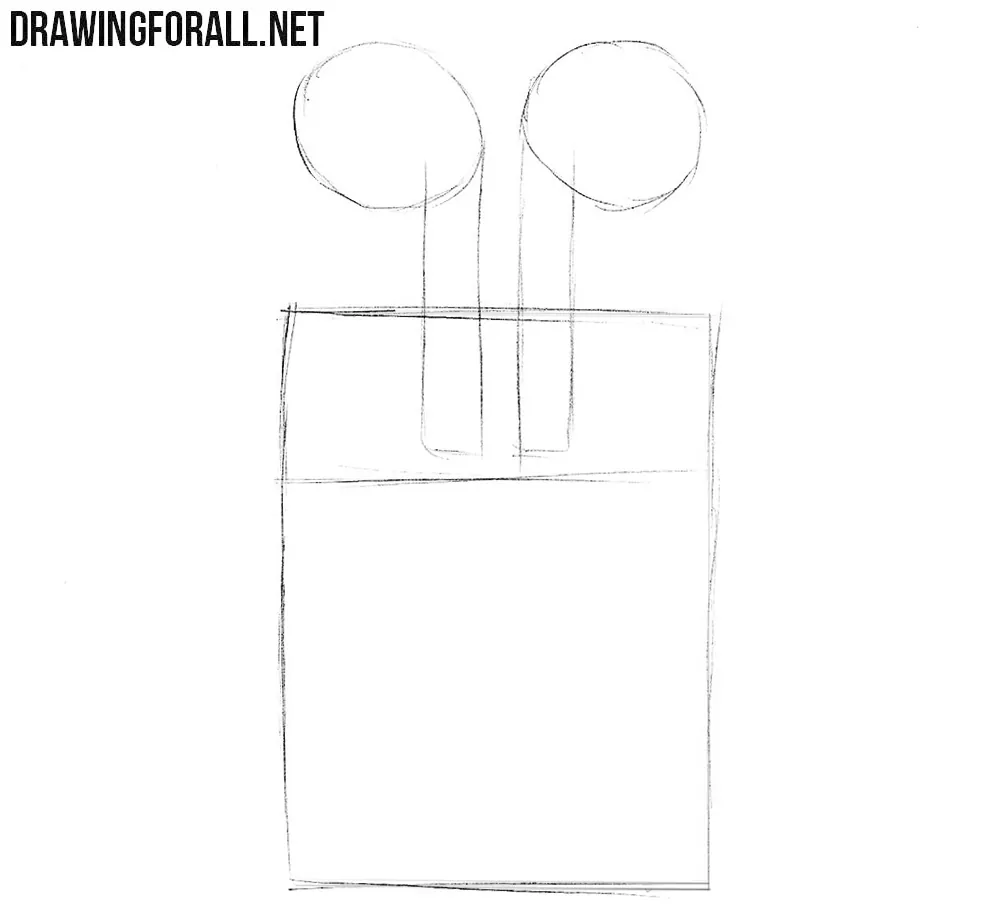
Step 2: Sketch the wireless earbuds
At this stage, do not try to make the lines perfect. Use two elongated rectangular shapes for the stems and two circular shapes for the upper parts of the earbuds. Use light lines and try to sketch these basic shapes symmetrically.
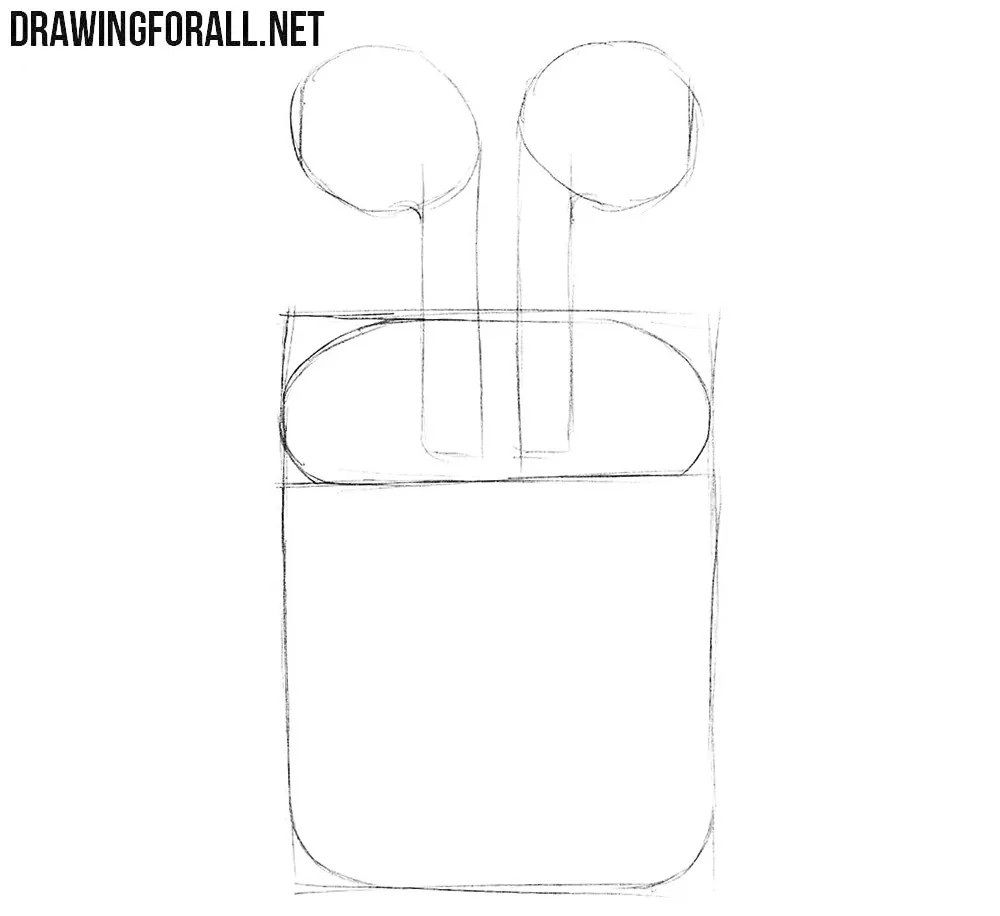
Step 3: Shape the case and AirPods
Now work on the upper part of the charging case that we marked in the first step. Draw a rounded, symmetrical shape inside it to form the opening. Then refine the contours of the AirPods, rounding the stems and shaping the upper parts as shown in our example. Keep in mind that the earbud heads are three-dimensional forms. Their contours should change according to their angle rather than look like simple circles.
Step 4: Refine the Apple earbuds
Erase the unnecessary guidelines from the previous steps and carefully refine the final contours of the AirPods and their case. Then add a few light lines to indicate highlights on the earbuds. Let these lines follow the curvature of the surfaces to emphasize their volume.
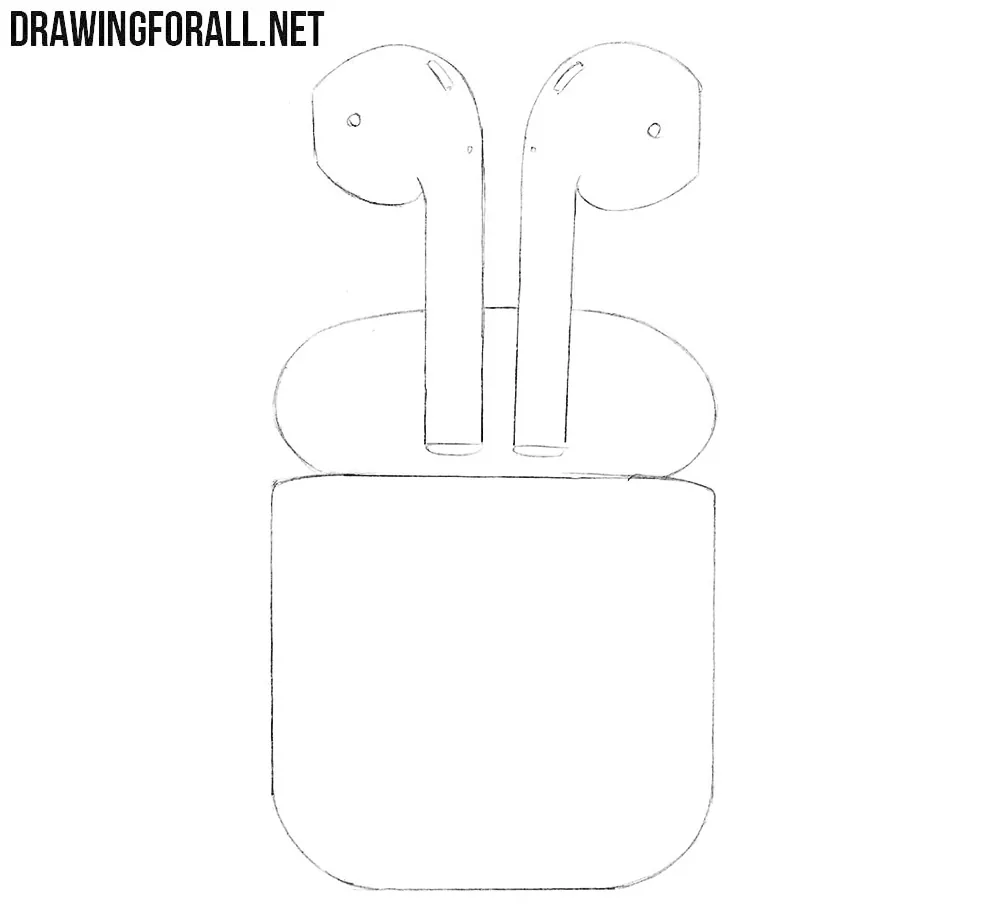
Step 5: Shade the AirPods and case
In the final step, add shadows to give the AirPods drawing more volume. First, determine the direction of the light, then use hatching along the less illuminated side of the charging case and add shadows to the earbuds. The strokes should follow the dimensional forms of the earbuds and case.
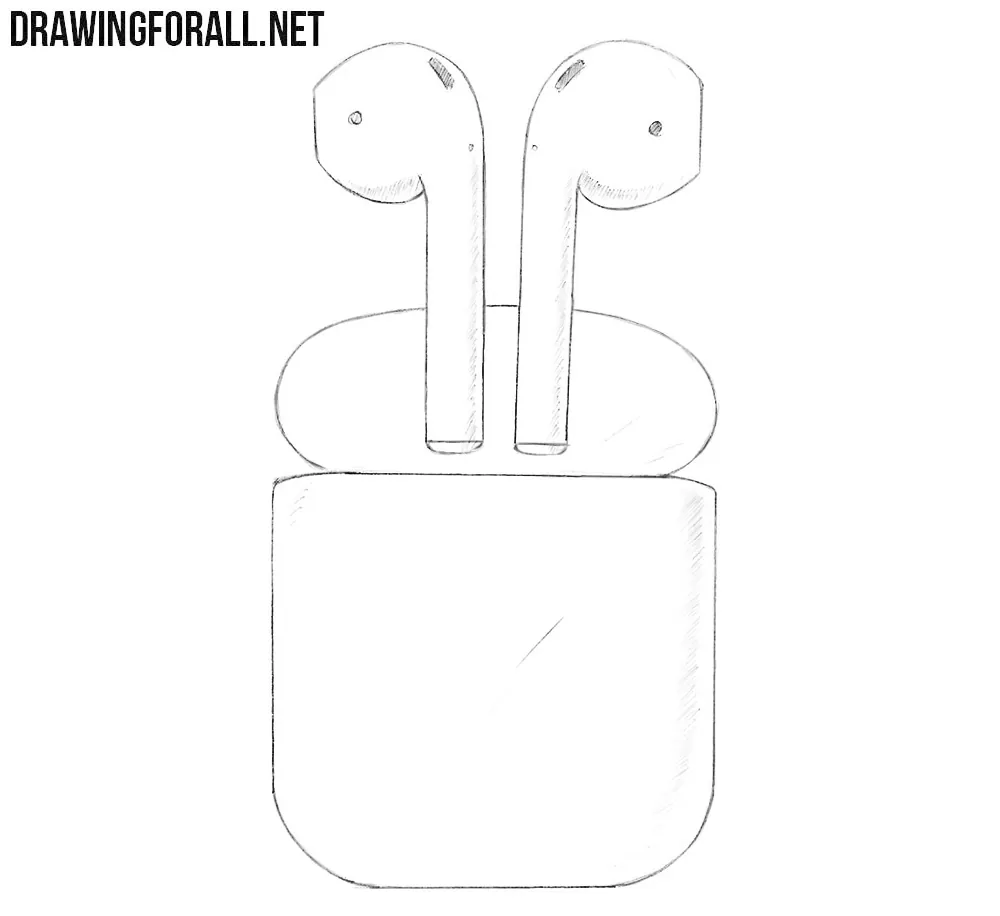
Apple AirPods consist mostly of simple forms with smooth transitions between their surfaces. The design of Apple AirPods has changed over the years, but the general shape has remained similar.
You can use the same principles to draw other versions. You can also draw Apple’s wired earbuds, since the earpieces are drawn in much the same way.
If you want to continue drawing Apple devices, try drawing a Magic Mouse.



mine looks like an alien
repetitive
THIS IS GREAT!!!
It doesn’t show the steps to turn shade draws to stiff lines **
Great drawing tutorial!
Thank you so much
Thank You
can you please make it more simple
its so simple
Wow I drew with so good😎😎
Nice
its good it works
Cool
that was helpful, though i tweaked it to make the case look more 3d.