How to Draw a Blender
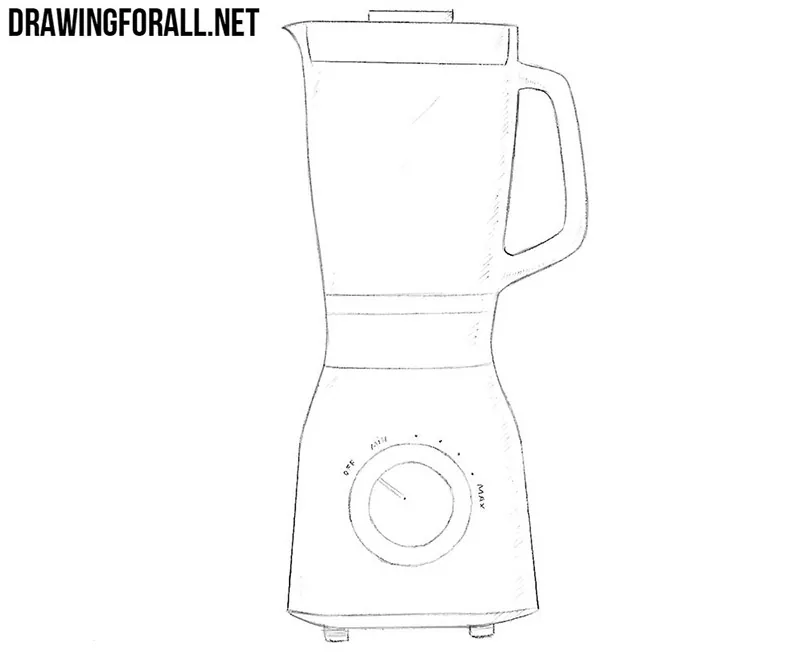
If you like cocktails or soups, you have probably used the device we are talking about here at least once. It’s time for a tutorial on how to draw a blender step by step.
How to draw a blender step by step
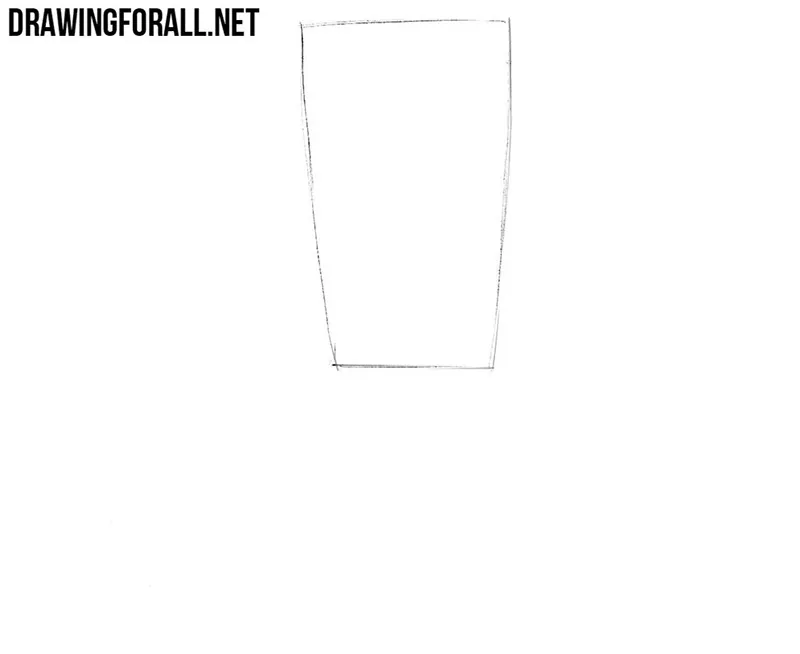
Step 1: Draw the blender bowl
First, sketch the contour of the bowl of the blender. It looks like an inverted truncated cone with a wider upper part and a narrower lower part. At this stage, you do not need to make the lines perfectly smooth. Use light lines so that you can easily correct the shape if necessary.
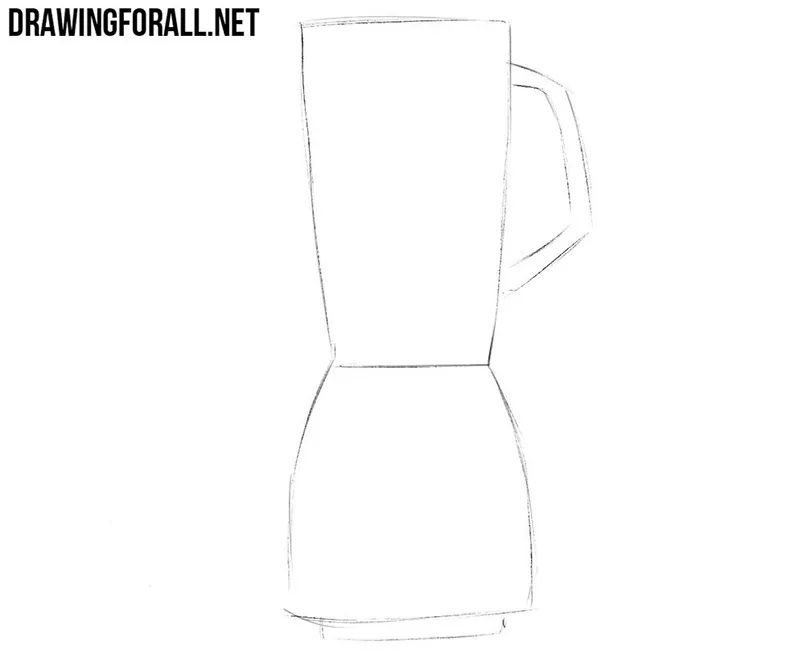
Step 2: Add handle and motor housing
Now add the contour of the handle and the motor housing of our blender. The handle has the shape of a simple trapezoid. The motor housing has a wide base and a narrower top. The bowl and the motor housing together should form a shape that resembles an hourglass.
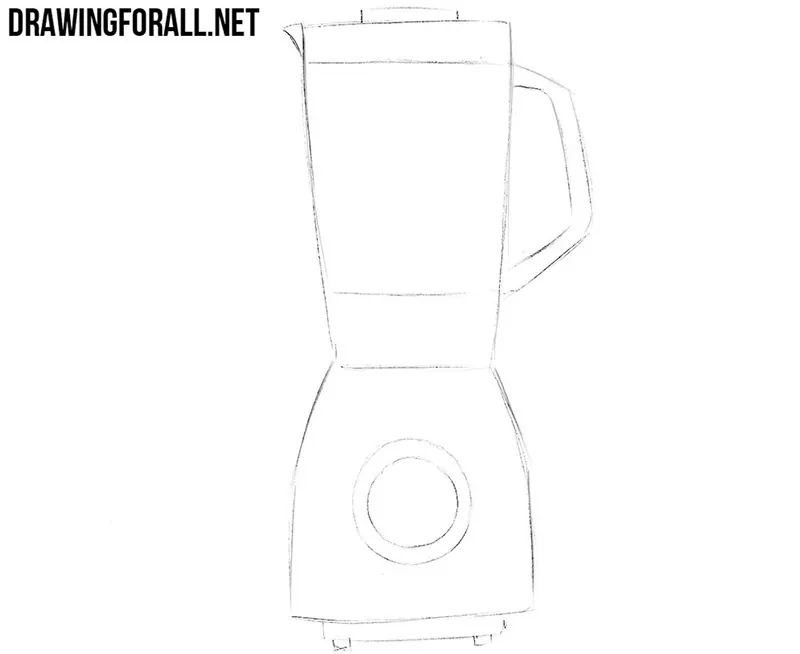
Step 3: Draw lid and controls
Let’s work with the smaller details. Sketch the contours of the lid at the top of the blender and add the control panel, which looks like a circle. Keep these details simple and place them carefully inside the shapes from the previous steps. By the way, you can choose a completely different blender design and draw other controls on the device.
Step 4: Refine the contours
Now use clear and straight lines to draw the final contours of the blender. Carefully trace the lid, handle, bowl, and motor housing. Try to keep all the main edges clean and even. After that, erase the extra lines from the previous steps. As a result, the blender drawing should look clean and almost complete.
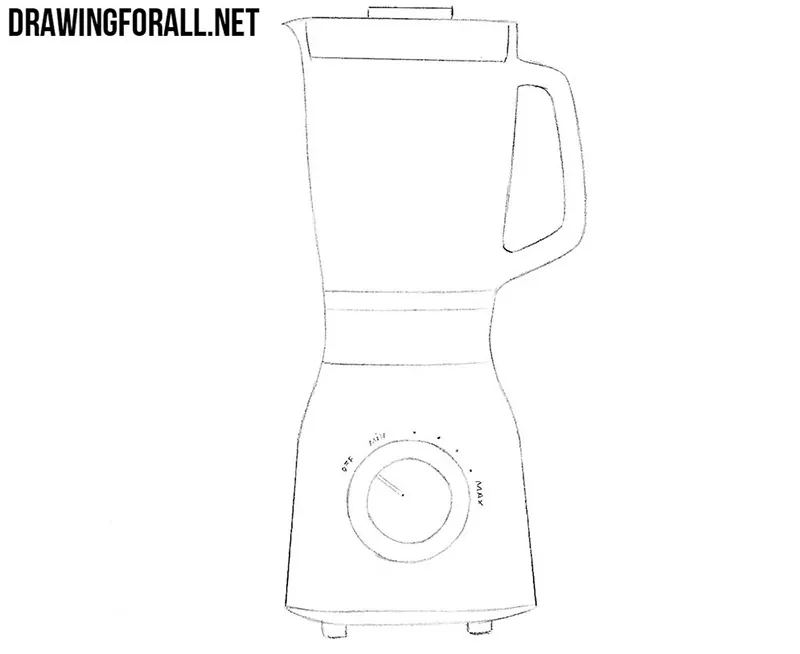
Step 5: Add shadows to the blender
Now let’s make the drawing more realistic and dimensional by adding shadows. First of all, imagine where the light comes from and then add shadows to the areas where the light does not fall. Use light hatching on the bowl, handle, and motor housing. You can make some areas slightly darker.
This tutorial was devoted to how to draw a blender. We remind you that we have a lot of drawing tutorials on various kitchen appliances.
If you are interested, you can read these tutorials. We also want to remind you that we have not only this site, but also pages on social networks.