How to Draw a VR Headset
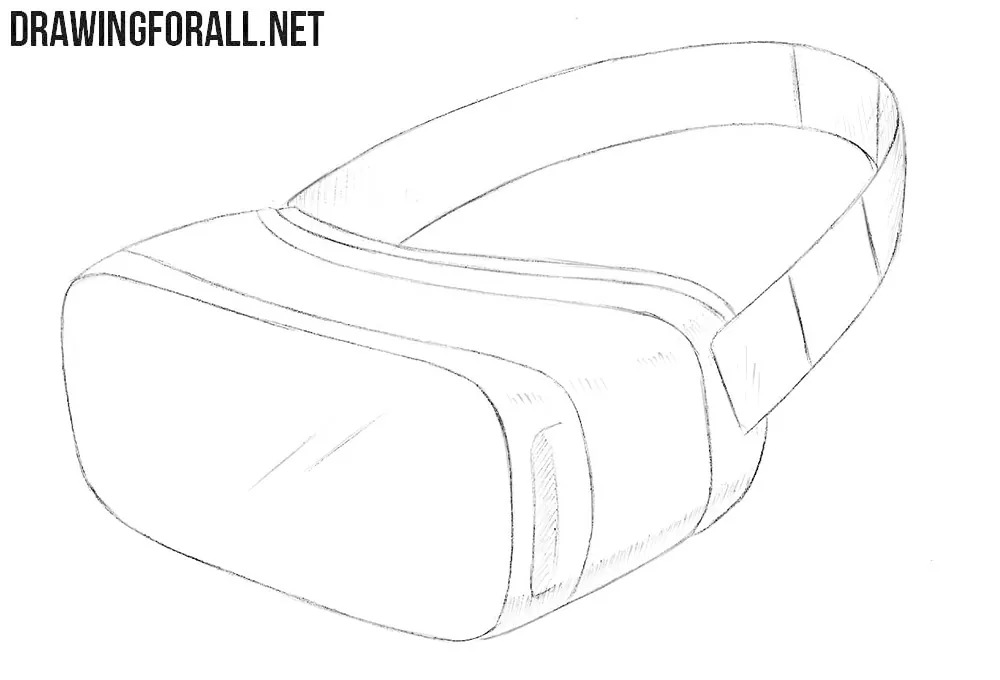
A VR headset is a modern device with a characteristic appearance. In this tutorial, we will show you how to draw a VR headset step by step.
Despite its unusual appearance, the basic form of a virtual reality headset is quite simple. The main part of the body can be represented as a large three-dimensional box-like form with rounded corners. The straps can be drawn using simple curved lines.
In this guide we will first sketch these basic forms with simple shapes, then add the smaller details and finish the VR headset drawing with hatching.
How to draw a VR headset step by step
Step 1: Sketch the VR headset and strap
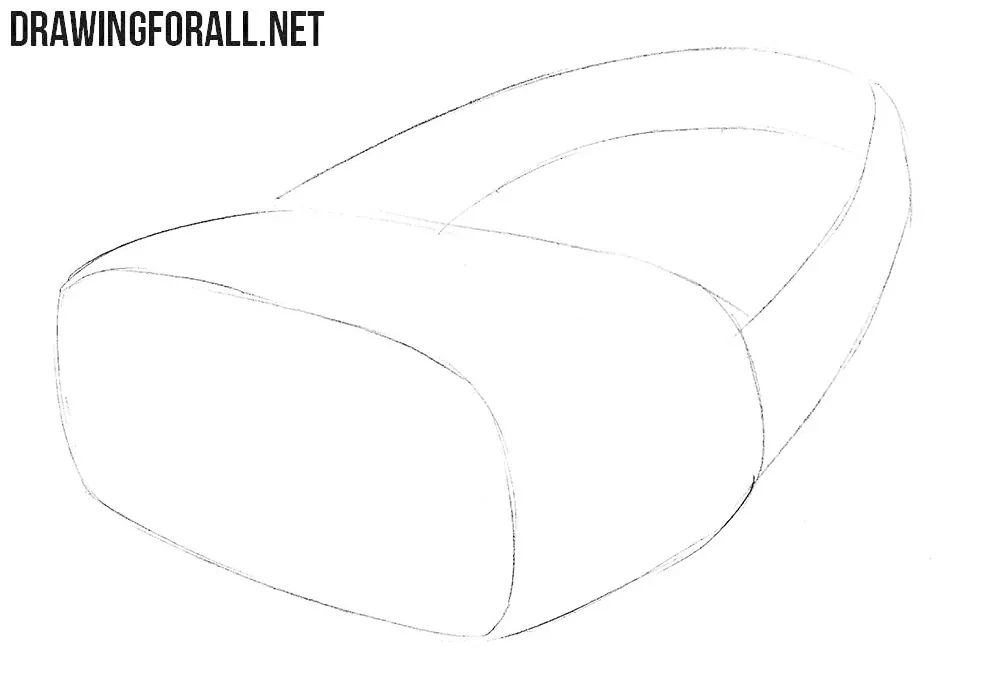
First, draw the general contours of the headset and strap. Sketch the main part of the device body as a large three-dimensional box-like form with smooth corners. Then add the strap behind it using two long curved lines.
Step 2: Add the edges of the headset
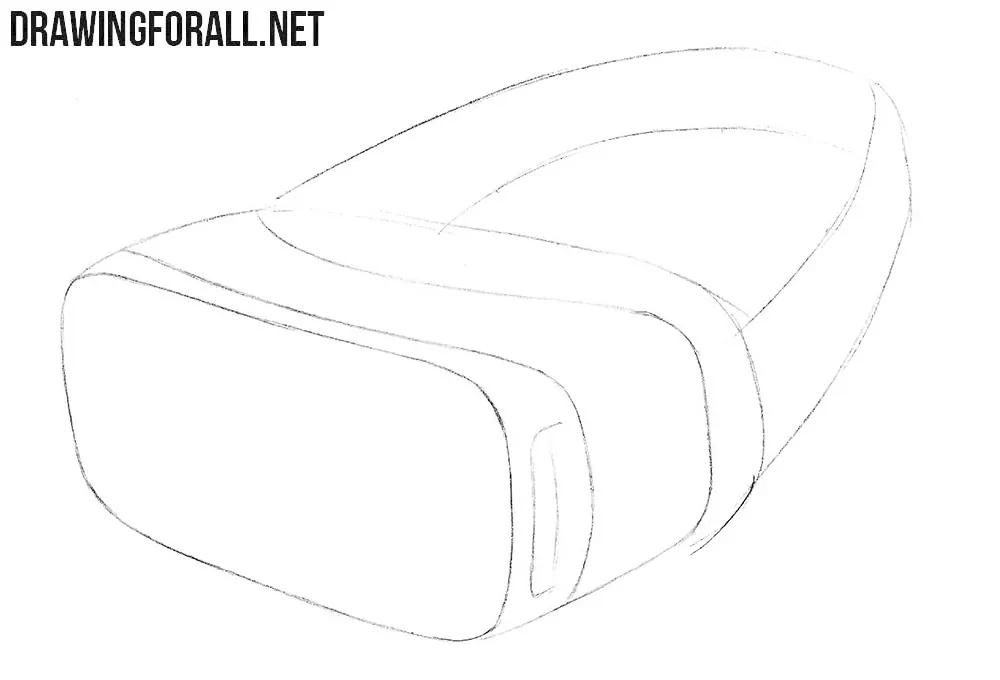
Now detail and refine the edges of the VR headset main part of the body. These lines should follow the overall form of the headset.
Step 3: Draw the strap details
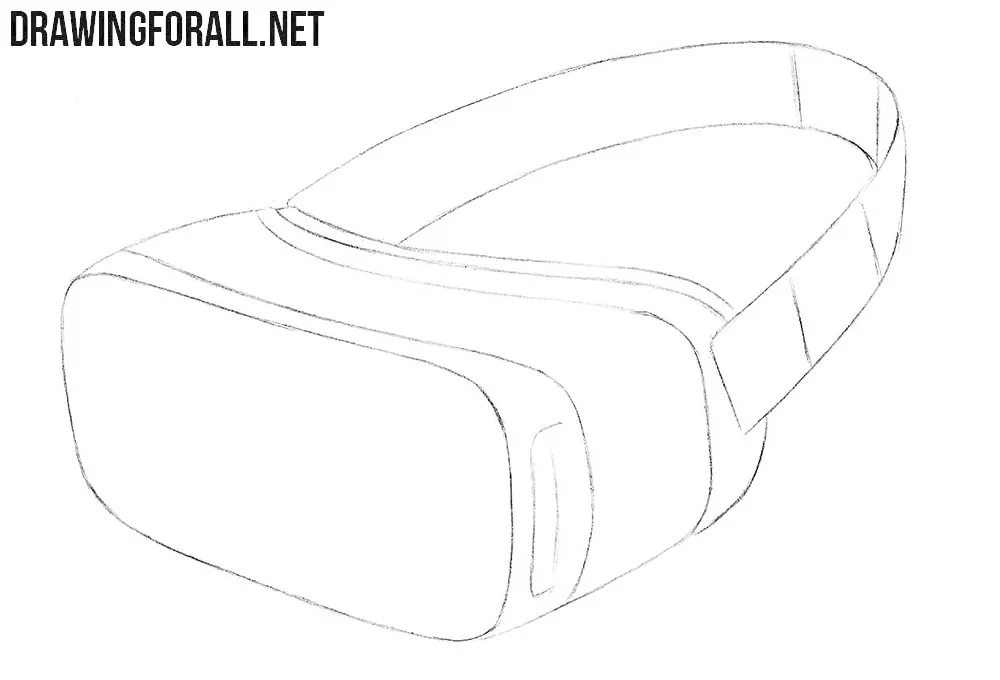
Trace the strap with darker lines. Add a few lines to the strap to indicate the parts that allow its length to be adjusted. Notice that the short vertical lines are located only on the right side of the strap in our example.
Step 4: Add shadows to the VR headset
Now add light shadows to make the VR headset look more three-dimensional. Apply simple hatching to the lower part of the device and several areas of the strap. At the end of this step, draw a pair of oblique lines on the front of the VR headset to convey reflections and highlights.
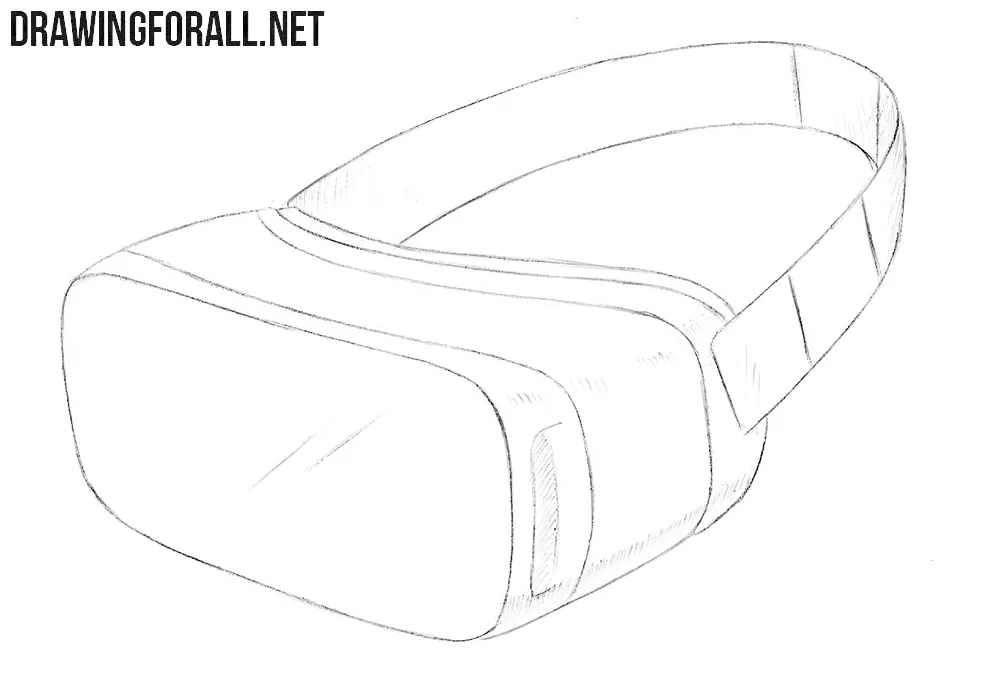
Now try drawing a VR headset from a slightly different angle or use a different model as a reference. Think of the main body as a three-dimensional box-like form first, and then add the straps and smaller details.
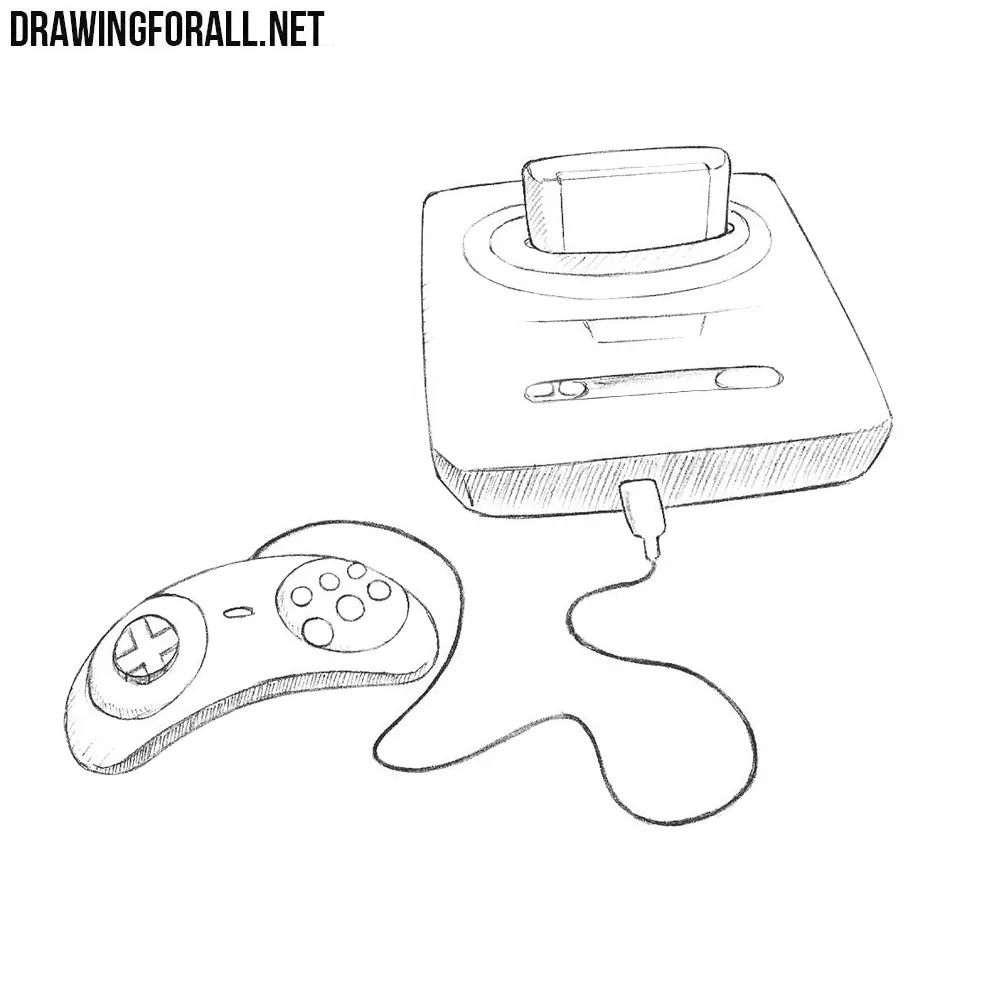
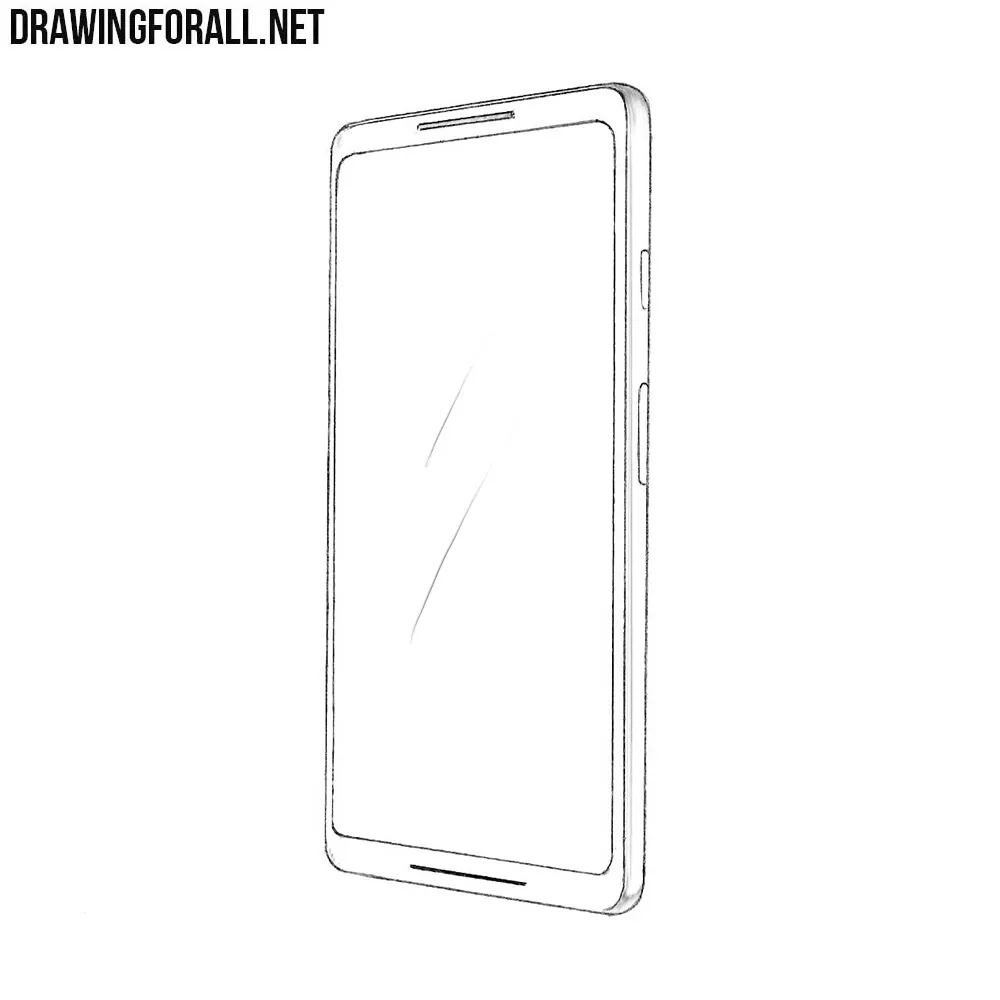
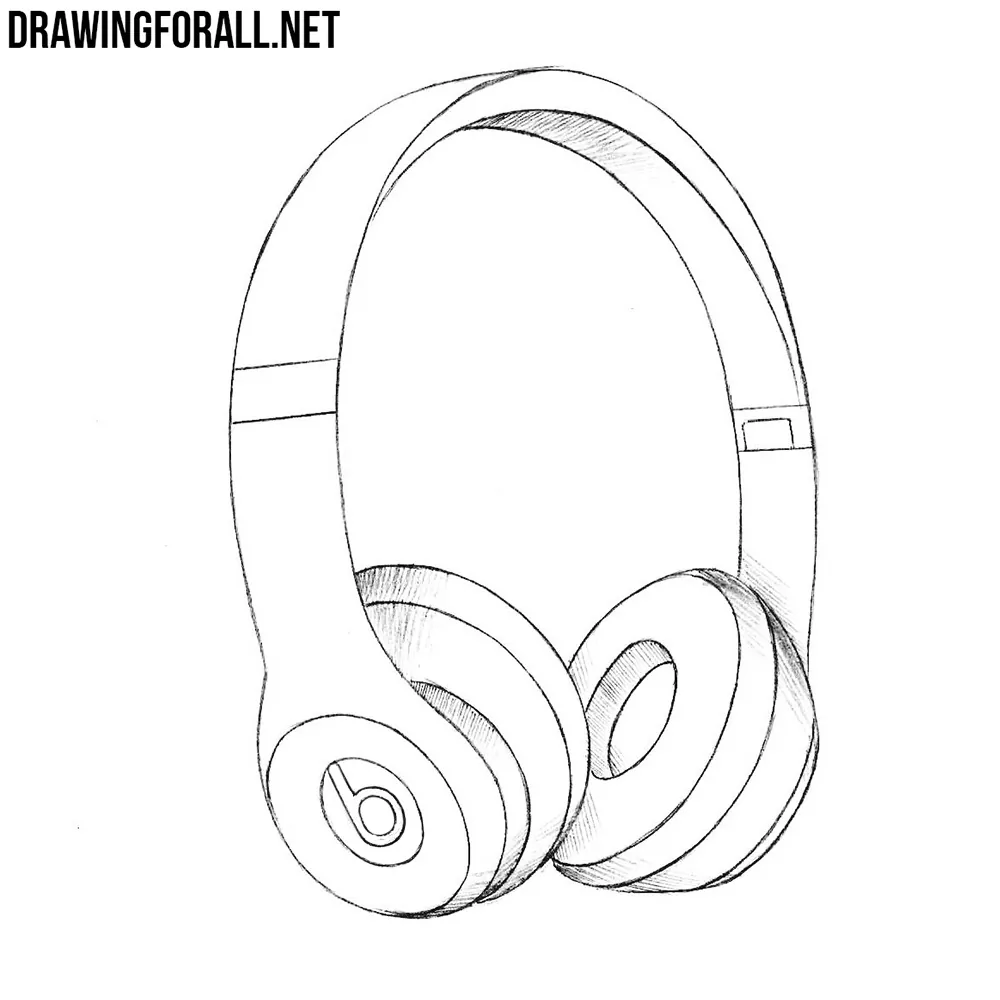
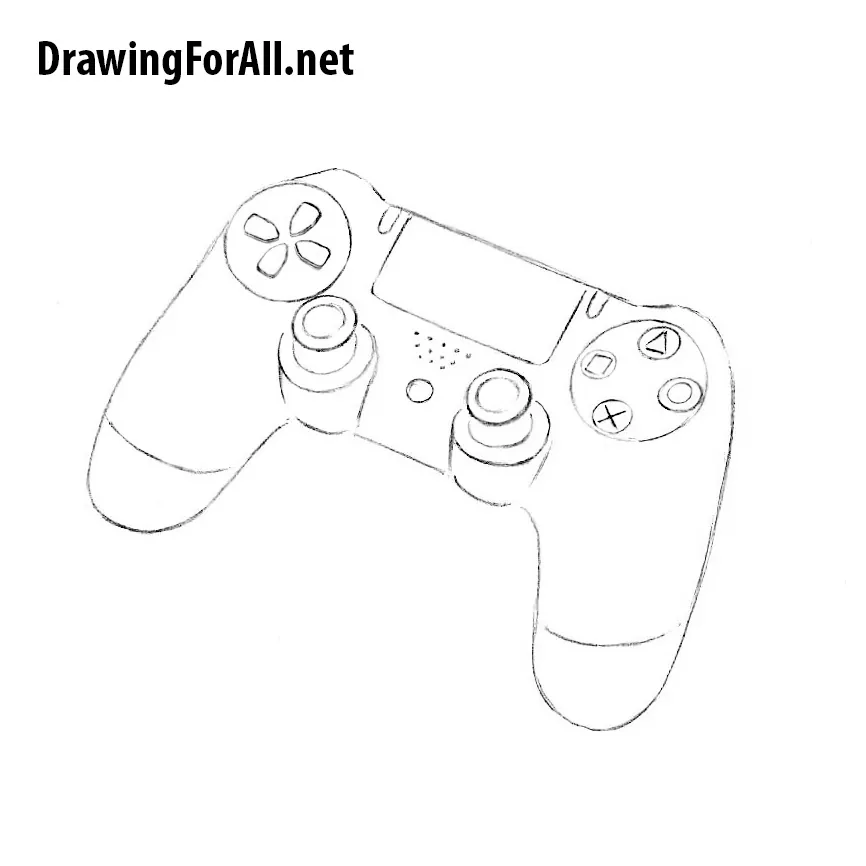
You can draw other electronic devices with different forms and construction. Try to draw headphones, or draw a camera using similar methods.